Background
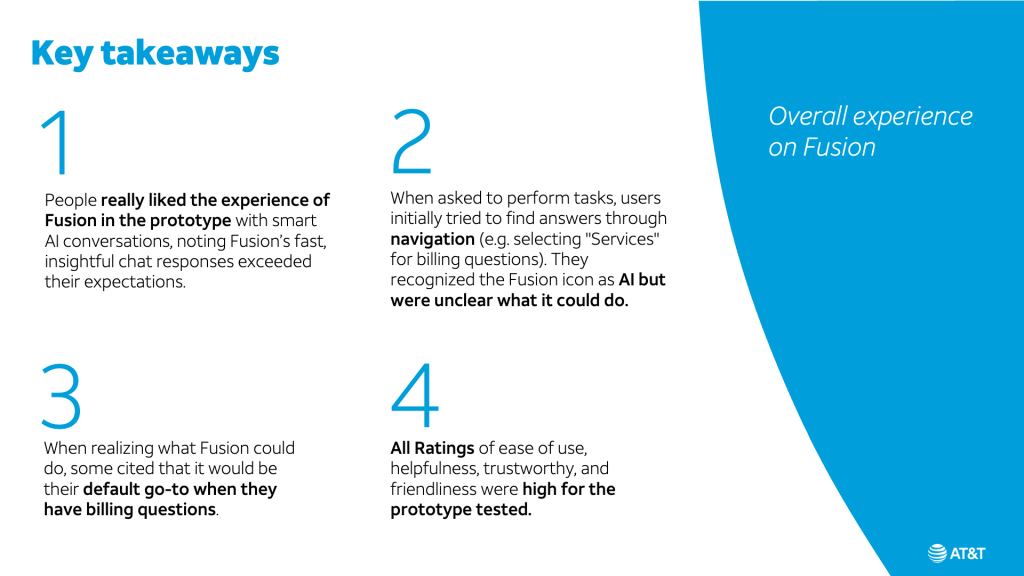
This is the first high-fidelity prototype of AT&T’s AI chat I created with Figma, utilizing the actual design system while the Beta UX was being built mid-way. The largest challenge of the product was that the new flagship app gets rid of “search” and this new AI chat will function as both “search” and “support” combined. The goal was to validate how current customers react to the product/UX while completing a few key tasks on agentic AI conversation.

For the context, you can download AT&T’s new flagship app (launched in March 2026 and now live!) and play with the AI chat! Find “AT&T” in Apple App Store or Google Playstore, or visit:
https://apps.apple.com/us/app/at-t/id309172177
Set up
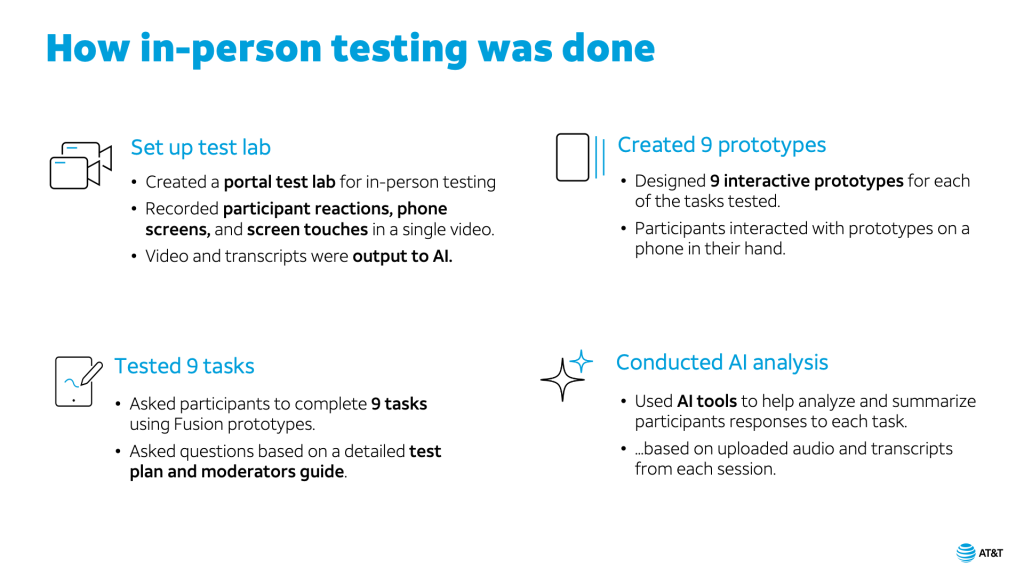
10 current AT&T customers, recruited through User Zoom, were brought in to the office in Dec. 2025 to Jan. 2026 for a moderated user study. Unlike surveys or unmoderated user studies, moderated study’s goal is to dig deeper and extract customers’ feeling, concerns and delight.
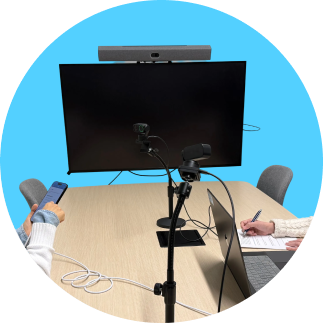
We set up a smartphone with internet connection and the prototype link already loaded; 2 of fancy motion-tracking webcam’s on a flexible webcam stand (total equipment cost around $600 from BestBuy; ignore the TV in the picture we ended up not using); and a laptop that will record both the device screen and the user’s reaction videos at the same time on a split screen. Our UX Team used to have an old-school usability lab facility (the one with an one-way mirror and large audio-visual equipments) in downtown Atlanta, but in this fast-pacing product development, testing “early and often” (I’m adding a third pillar: “inexpensive”) is a foundational product design philosophy that saves time, cuts costs, and ensures your final product actually meets user needs.
Prototype structure
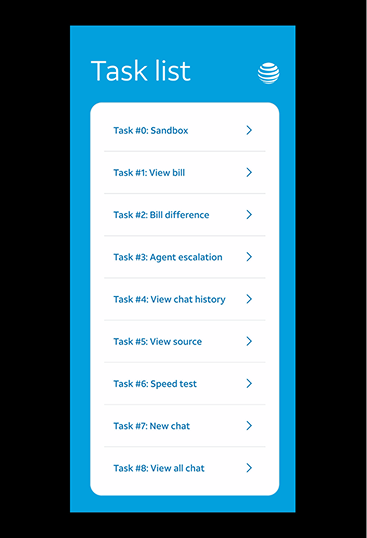
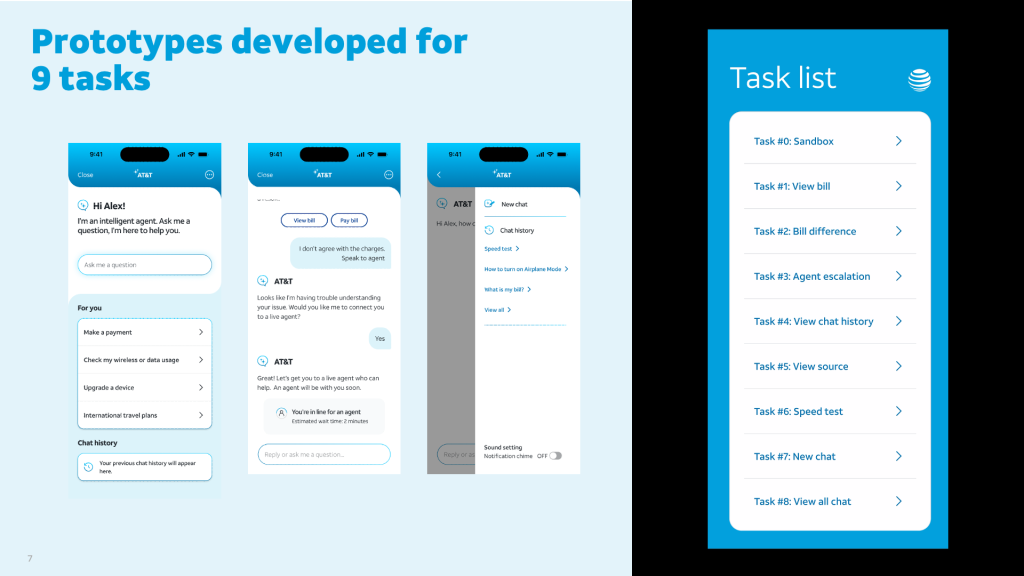
There are total of 8 tasks, about 5 to 15 screens each, for our test subjects to go through on a no-error happy path. On each task, users are asked to figure out support issues such as:
- “What is my bill this month?”
- “Why is my bill higher than last month?”
- “I need to talk to a live agent.”
- “I need to resume from recent chat.”
- “I need to see the source of the AI answer.”
- Simple task that can be done in the main app (outside the chat) – e.g. Speed test
- “I need to see all previous chat history”
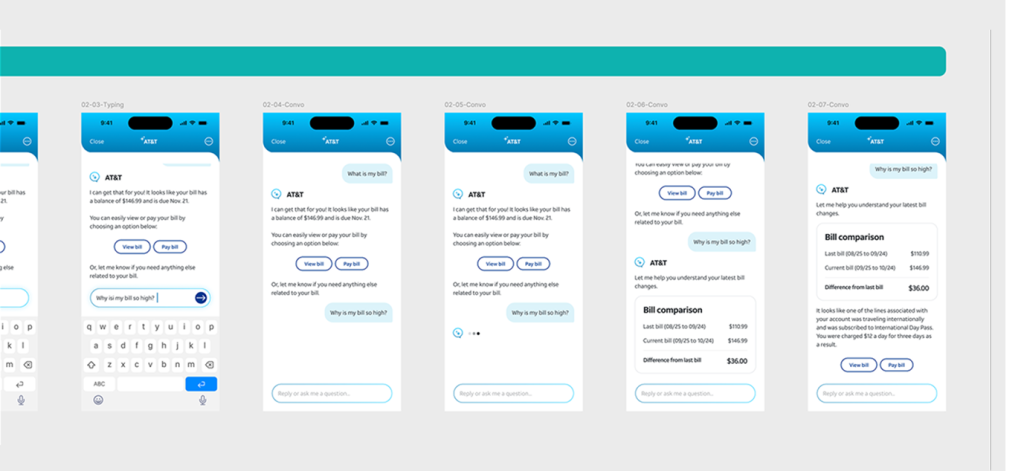
Here is a snippet of the prototype screen… (looks simple!)
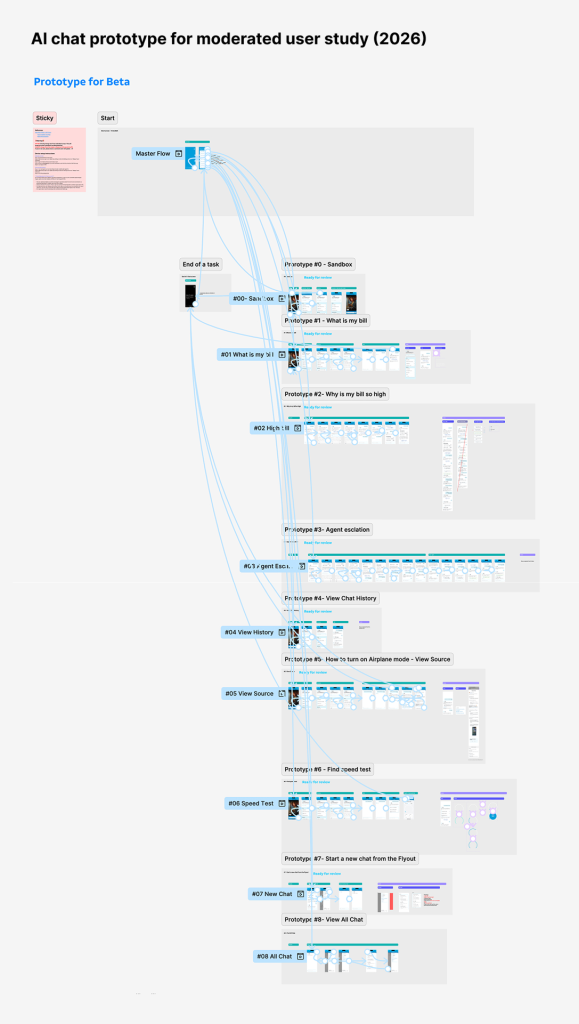
…but with 8 tasks being tested within the same prototype, the interaction arrows were those of a spider web!
Readout after the user research
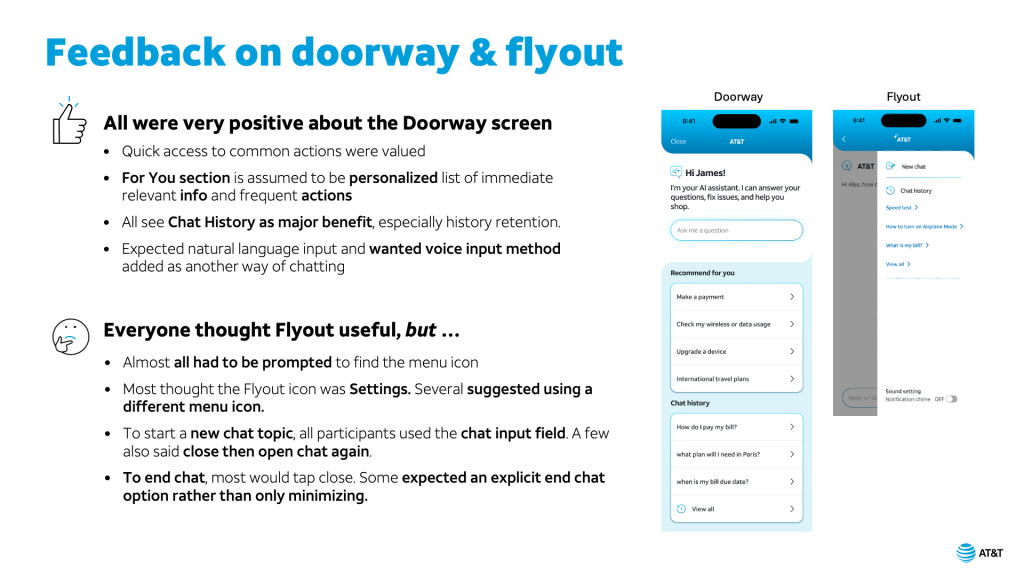
Below are examples of user research deck I created, working in tandem with Principal UX Researcher.
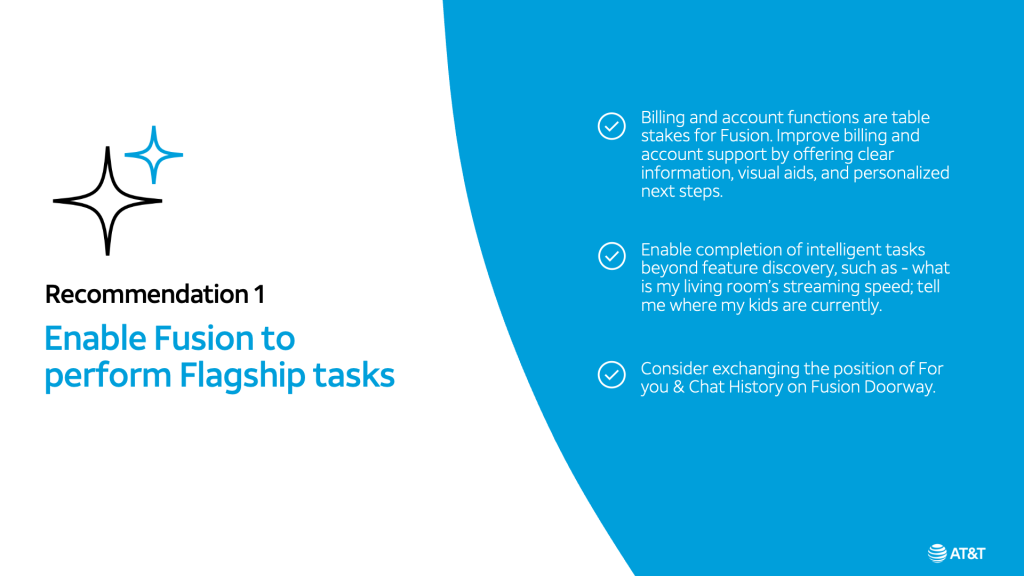
See the prototype (on your phone, here or in recording)
Want to see the prototype in action?
Note: This prototype reflects an earlier version of the design. Some components have since been updated, so a few visuals may appear slightly off in the live link (the joy and sorrow of everything linked to components! 🙄).
- Here’s a link you can click on your browser: tinyurl.com/agent770
- Or you can scan the below QR code to see the prototype on your own phone. Just make sure to “Add to Home Screen” first to avoid your browser UI, which is not part of the prototype.
- Or you can see an example (Agent escalation task) in recording.